Do my customers need to create an account or download an app?
No. The Client Hub is built for friction-free access. Customers receive a short code or one-click magic link by email or SMS that drops them straight onto their dashboard. There's no password to remember, no app store install, and nothing to onboard. Customers who already use the Hub can hop in from any device that gets their email or SMS.
What can customers actually do inside the Hub?
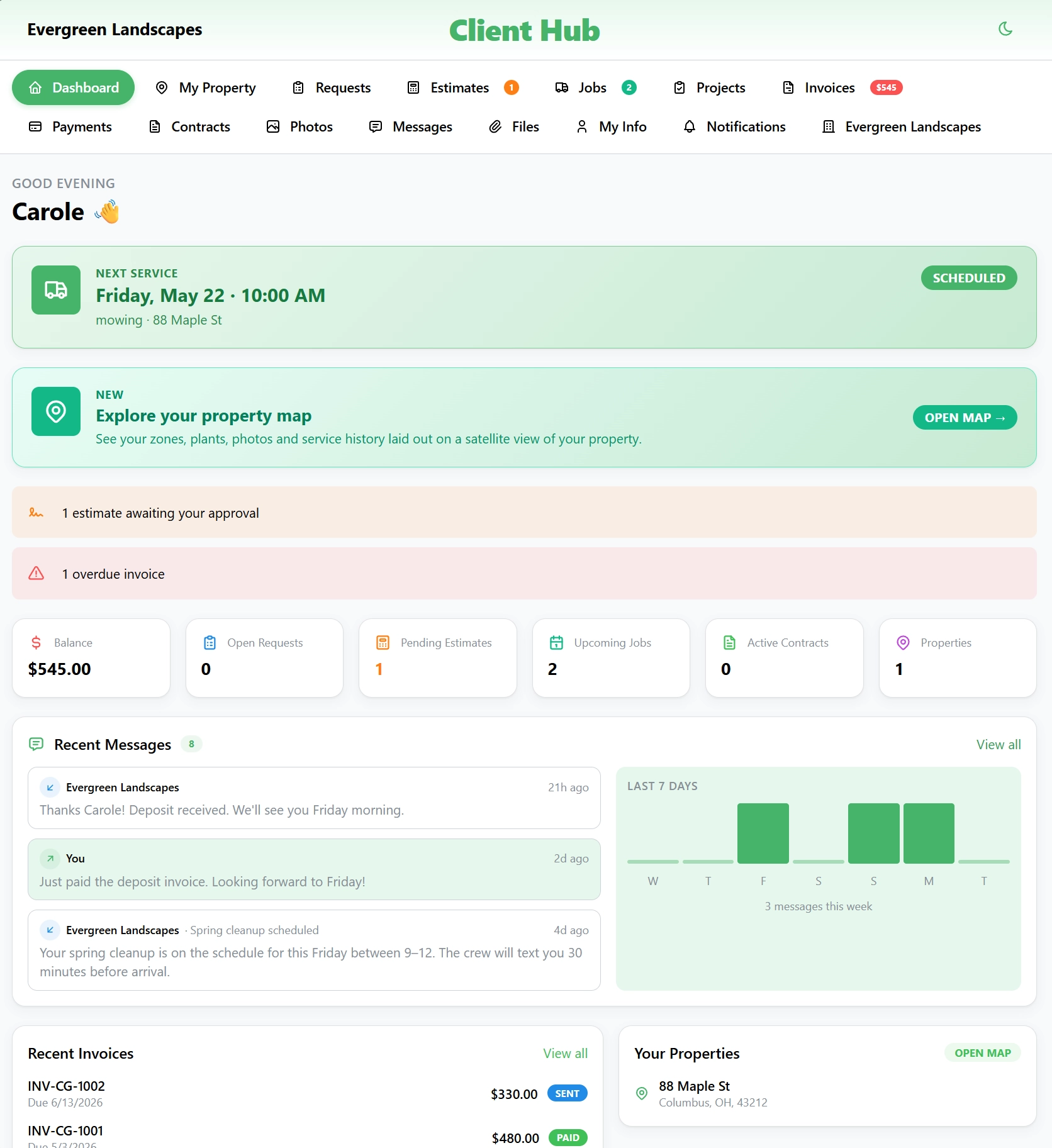
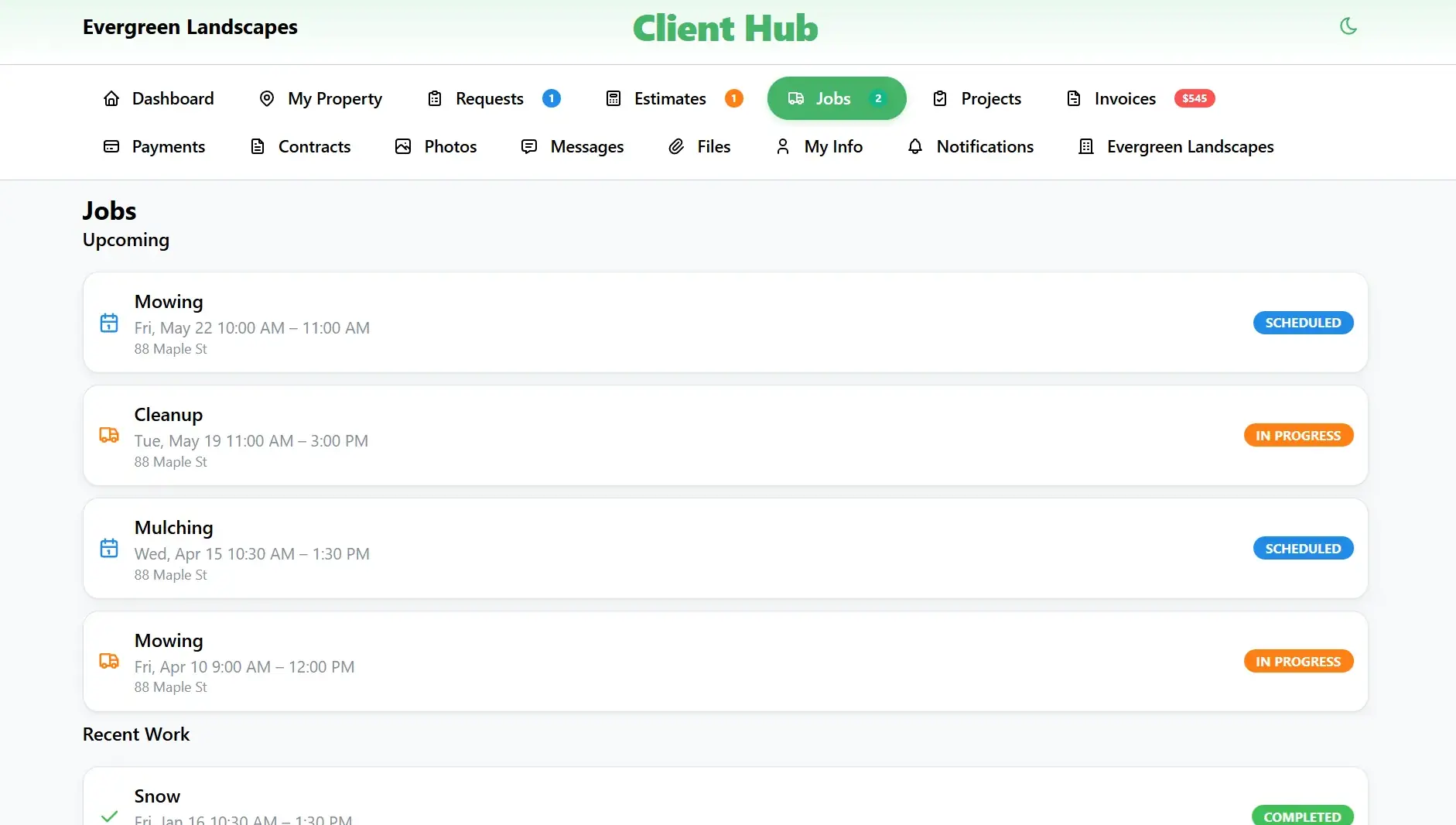
They can see upcoming and completed jobs with photo timelines, pay invoices by credit card or ACH, sign proposals and contracts with OTP-verified e-signatures, message your team through a single thread, and submit new service requests. Customers on Living Property Map plans also get a satellite view of their property with service zones, tagged plants, and a timeline scrub of every visit.
How does e-signing work without a login?
When a customer opens a proposal or contract from their Hub, they sign with an SVG-captured signature in-browser. We capture a one-time passcode sent to the email or phone on file, the IP address, the user agent, and the timestamp, packaged with the document as the signing audit trail. The signed PDF flows back into your office side automatically.
What happens to service requests submitted through the Hub?
Service requests flow straight into your back-office triage queue with the customer, property, requested service type, and any photos or notes the customer attached. From there your office routes them to estimating or to the schedule like any other lead. No manual data entry, no missed voicemails, no requests buried in someone's personal inbox.
Is the Client Hub included on every plan?
Yes. Hub access, magic-link sign-in, invoice payments, OTP e-sign, and the customer messaging thread are included on every tier: Solo, Crew, Professional, and Enterprise. The Living Property Map ships on every tier as well. Service zones, plant tags, before/after photos, treatment overlays, and the timeline scrub are all included from Solo up. The only Hub layer gated to Professional+ is the plant glossary metadata (hardiness zone, care notes, companion plants) that powers richer plant pop-overs.