1. Home
  2. Features
  3. Snow Ops
Snow Ops · Built into RootControl

Snow operations software built around the storm

From NWS alert to invoice — without the 4 AM text thread. RootControl auto-dispatches your crews the moment a winter-storm warning hits, logs every pound of salt as it goes down, and bills the whole event in one click — with the audit trail behind it.

NWS auto-dispatch Depth-stamped photos One-tap salt logs HOA-ready audit trail One-click event billing
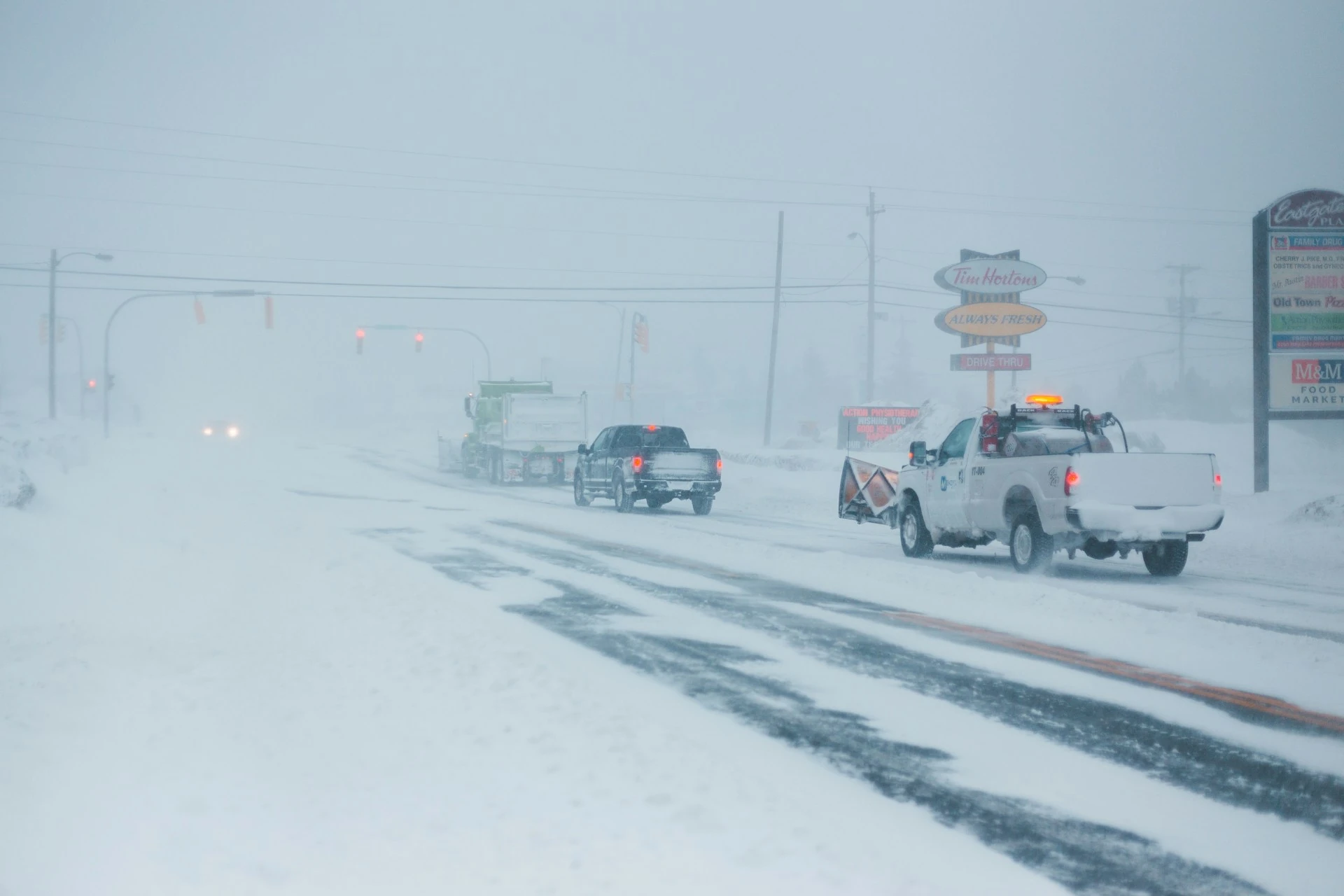
Plow trucks running a winter storm route on a snow-covered commercial road in low visibility.
Why teams switch to Snow Ops

Storms are chaotic. Your records shouldn't be.

Most snow contractors run their season on text threads, photos buried in camera rolls, and salt invoices that get challenged six weeks later. Snow Ops fixes the three places that pain shows up.

The 4 AM scramble

Storm hits, the office is texting crews, crews are texting back, and nobody knows who already pushed Maple Lane. By dawn the route is half-doubled and half-skipped.

Contested salt invoices

The HOA board pushes back: "We don't think you actually salted on the 14th." Without depth-stamped photos and per-event salt logs, you're arguing from memory.

Audit asks you can't answer fast

HOA boards, property managers, and (increasingly) state DOTs want season-totals reports — material applied, dates, crews, weather. Pulling that out of paper logs takes a week you don't have.

How it works

NWS alert to invoice, in four steps

One pipeline runs the storm — from the moment the alert fires to the moment the invoices are billed.

01

NWS warning fires — auto-dispatch goes out

The National Weather Service issues a winter-storm warning. RootControl matches it against your active snow contracts, picks the affected properties, and pushes the dispatch SMS to assigned crew leads — with OSRM-optimized routes already plotted. Auto-dispatch is opt-in per org: flip the toggle once you've watched a couple of storms and trust the alert matching, then crews get the activation in their PWA without a 4 AM phone tree.

02

Crews work the storm in the PWA

Each property gets a depth-stamped photo (date, time, GPS, accumulation depth) and a one-tap salt-application log. Material, area, and rate auto-compute from the contract — the crew taps once, the record writes itself. Customers get an automatic safety notice the instant salt goes down.

03

Office watches live in the Storm Ops Console

Per-property activations, push counts, route progress, and the depth-photo grid render in real time. Need to pull a crew off one route and onto another mid-event? One click, and the reassignment cascades to the PWA instantly.

04

One-click event billing — with the audit trail attached

Storm closes. Pick the event, hit bill. Per-push customers see push counts, per-inch customers see accumulation, seasonal-flat customers see their fixed rate — all generated from the same event record, with NWS alert ID, timestamps, photos, and salt logs attached for any HOA or auditor that asks.

What's in the module

The pieces that run the storm

Six tools, one workflow. Built for contractors who manage anywhere from a dozen to a thousand snow accounts.

NWS-Driven Auto-Dispatch

Crews go out the moment a winter-storm warning hits — no phone tree, no missed properties.

  • Per-contract service-area polygons matched against live NWS alerts
  • Crew assignment respects priority tier, availability, and route geography
  • Manual dispatch path for off-NWS pushes (driveway requests, ice events)

Depth-Stamped Photo Proof

Every property gets a photo with date, time, GPS, and measured accumulation depth burned in.

  • EXIF + overlay metadata so the photo is its own evidence
  • Per-property photo grid in the console — sortable by depth
  • Auto-attached to the event record and the customer's audit trail

One-Tap Salt-Application Logs

Tap once. Material, area, and rate auto-compute from the contract — the record writes itself.

  • Per-property history of every application — pounds, tons, and rate
  • Per-event totals roll up live in the console
  • Season-totals report with date range, CSV + PDF export for HOAs

Live Storm Ops Console

Per-property activations, push counts, OSRM-optimized routes, and the depth-photo grid — all in real time.

  • Per-crew route cards with stop sequence, leg miles, and elapsed time
  • Push counts roll up per property and per service area
  • Per-event salt section: aggregate badges for count, sq ft, and pounds spread

Mid-Event Crew Reassignment

Pull a truck off one route and onto another in one click. The PWA picks it up instantly.

  • One-click drag-and-drop in the console
  • Reassignment cascades to all crew devices in real time
  • Audit trail records the reason, time, and operator on every change

One-Click Event Billing

Pick the storm, hit bill. Per-push, per-inch, or seasonal-flat — RootControl handles all three from the same event record.

  • Per-push: counts each push that hit the property, billed at the contract rate
  • Per-inch: bills by accumulation depth recorded during the event
  • Seasonal-flat: fixed rate, with the storm activations recorded for the audit trail
Built for the audit ask

Salt-usage records you can hand to an HOA on demand

Every storm event ships with a regulator-grade audit trail attached. Pull it for one property or roll it up for the whole season.

What's in every event record

  • NWS alert ID — the originating winter-storm warning, with issue and expiry timestamps.
  • Dispatch and completion timestamps — when the activation fired and when each property was marked complete.
  • GPS-stamped depth photos — per-property, with accumulation depth burned into the image overlay.
  • Salt application records — product, area treated, application rate, and total material applied.
  • Customer disclosure receipts — the safety notice that fired the moment salt was applied (email, Client Hub, SMS).
  • Crew assignment history — who was on the property, including any mid-event reassignments and the operator who made them.
  • Route record — the OSRM-optimized path, distance, and elapsed time per crew per event.

Roll the whole season up with a single date-range query. Export to CSV for spreadsheets or PDF for the HOA board packet. State requirements vary — confirm your jurisdiction's specifics before relying on the report for regulatory filings.

Billing modes

Bill the way each contract is written

Set the mode per snow contract, not per event. One storm can produce all three invoice types in parallel — the audit trail behind every one is the same.

Per-push

Charge per activation

Every push that hit the property gets billed at the contract's per-push rate. The event record shows the count and the timestamps so the customer can see exactly what they're paying for.

Per-inch

Charge by accumulation

Depth-stamped photos drive the bill. Tiered rates (e.g., $X for 2-4", $Y for 4-8") apply automatically based on the recorded accumulation for the event.

Seasonal-flat

Fixed seasonal fee

One rate covers the season regardless of activation count. Storm events still record fully against the property so you have proof of service for HOA boards and renewals.

Slip-and-fall liability

Customers know salt is down before they walk on it

The instant a salt-application log is saved, a safety notice goes out — email, Client Hub, and SMS — telling the property owner the surface has been treated. That's a record on your side, and a heads-up on theirs.

Questions we hear

Snow Ops FAQ

Does Snow Ops require a separate subscription?
Snow Ops is included on the Enterprise plan at no extra fee. Starter and Professional don't include the Snow Ops module — if you need it, the upgrade path to Enterprise is the same as adding any other Enterprise-tier feature.
How does the NWS auto-dispatch decide which crews go where?
Each snow contract has a service area polygon. When a National Weather Service winter-storm warning intersects one of your service areas, RootControl fires the dispatch — assigning crews based on contract priority, crew availability, and OSRM-optimized routes between properties. The office watches the activation live in the Storm Ops Console and can reassign in one click.
What if the NWS alert doesn't trigger but my customers still want a push?
Manual dispatch works the same way as auto-dispatch — start the storm event in the console, pick the affected service areas, and the crews see the activation in their PWA. The audit trail records that the event was operator-initiated rather than NWS-triggered, which keeps customer billing transparent.
Can I bill different customers different ways on the same storm event?
Yes — billing mode is set per snow contract, not per event. Per-push customers get billed for each push that hit their property; per-inch customers get billed by accumulation depth recorded during the event; seasonal-flat customers get charged their fixed rate regardless of activations. One storm can generate all three invoice types in parallel.
Does the salt-usage report satisfy HOA and state-level audit requirements?
The audit trail captures the NWS alert ID, dispatch and completion timestamps, GPS-stamped depth photos, salt application records (material, area, rate), and customer disclosure receipts. Season-totals can be exported as CSV or PDF for any date range. This is the level of documentation HOA boards and most state DOTs ask for; specific state requirements vary, so confirm with your jurisdiction before relying on the report for regulatory filings.
Get Started

See Snow Ops run a storm

30-minute walkthrough — bring a recent storm and we'll show you how the dispatch, photos, salt logs, and billing would have played out in RootControl.